
The Future of AI Agents Integration in Business
 Vladimiros MykogianNovember 1, 2026
AI agents integration is the practice of connecting autonomous AI components into your existing systems and workflows so they can take defined actions, not just answer questions. Done well, it shifts AI from a chat toy into a dependable digital workforce embedded in your products and operations.
This guide explains how AI agents work, what they can (and cannot) do for a business, the main integration patterns, architecture decisions, and a concrete roadmap to move from experiments to production.
What are AI agents and why are they different from basic chatbots?
AI agents are software entities that can perceive information, reason about it, and act within digital environments to pursue a goal with minimal human intervention. Unlike a basic chatbot that only replies to messages, an AI agent can call tools, query APIs, update records, and coordinate multi-step workflows.
For business leaders, the important distinction is capability, not terminology. A chatbot answers, an agent executes. When you integrate agents into your stack, they stop being a separate interface and become another active component in your architecture, sitting next to microservices, workers, and scheduled jobs.
Key properties that distinguish AI agents in practice:
- Goal driven behavior instead of isolated prompts.
- Access to tools and APIs, not just text generation.
- Memory of prior steps and context within a task.
- Ability to call other agents or services.
- Guardrails that constrain what they can and cannot do.
The promise is attractive, but without clear boundaries and integration design, agents can become unpredictable automation scripts rather than reliable teammates.
Where does AI agents integration create the most business value?
AI agents integration pays off when it sits directly on top of painful, repetitive, or coordination-heavy work that still needs some judgment. Tasks that are either pure computation or fully human relationship building are less attractive; everything in between is ideal territory.
In our work, the most effective use cases share three traits: clear success criteria, structured data access, and measurable time or cost savings. When those are present, agents do not just save minutes, they reshape entire workflows.
High impact patterns include:
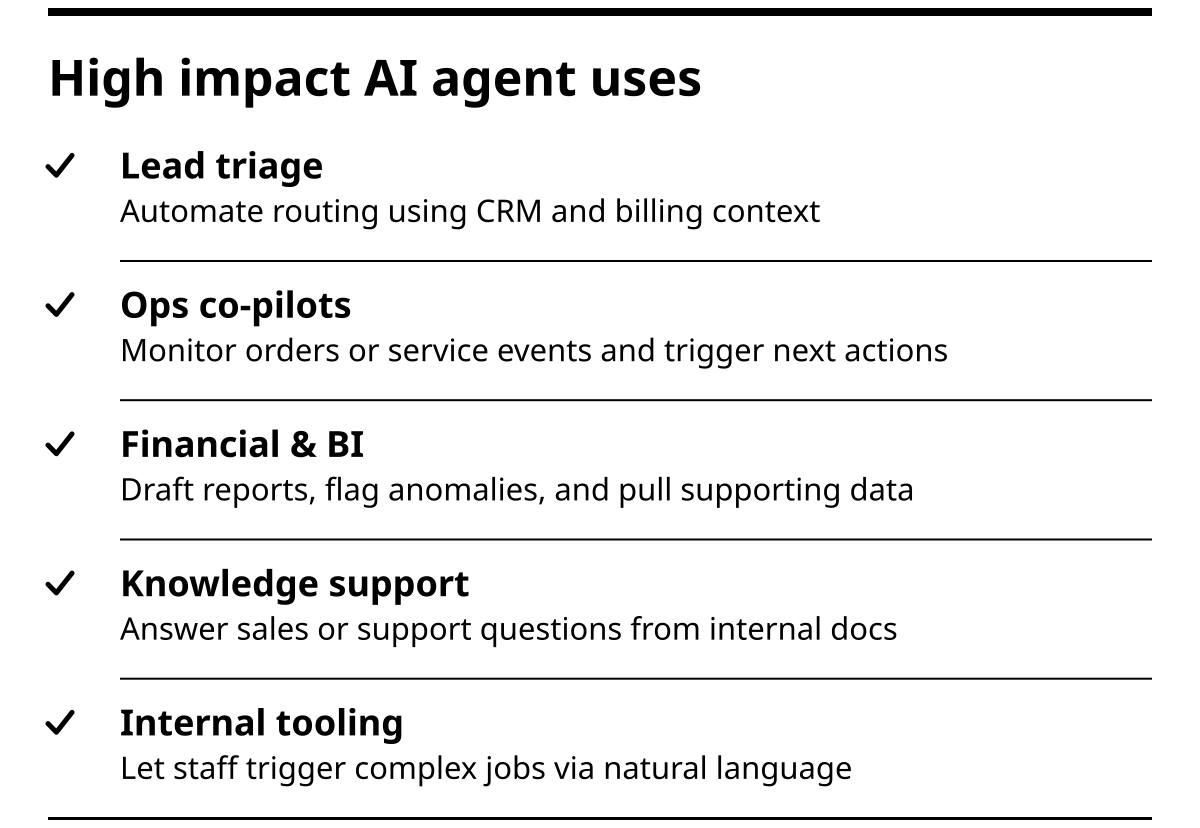
- Lead and ticket triage that reads incoming messages, enriches them with CRM or billing data, then routes them with context.
- Operations co-pilots that watch orders, shipments, or service events and propose or execute next actions.
- Financial and BI assistants that prepare draft reports, highlight anomalies, and fetch supporting data for analysts.
- Knowledge support for sales or support teams on top of internal documentation using techniques like retrieval augmented generation.
- Internal tooling that lets non-technical staff trigger complex backend jobs via natural language instructions monitored by an agent.
The mistake many teams make is starting from “what can this model do” instead of “where is my current bottleneck”. Start from the bottleneck and work backward into agent design.
How do AI agents actually work under the hood?
Under the surface, most modern AI agents combine language models with a tool calling and state management layer that lets them break a problem into steps. When you integrate them into your product, you are really integrating these three layers with your existing services.
At a high level, an agent loop looks like this: receive input, decide what to do next, call tools or other services, update its internal state, then repeat until a stop condition is met. The design effort is in constraining the loop so it remains predictable and cost effective.
Core components of an AI agent
- LLM policy. The model that interprets instructions and selects actions.
- Tools and connectors. API wrappers for CRMs, ERPs, ticket systems, databases, and internal services.
- Memory and context store. Short term (conversation) and long term (knowledge base, logs) context.
- Planner or workflow engine. Optional layer that decomposes complex tasks into smaller steps.
- Guardrails and validators. Rules, schemas, and checks that keep outputs on spec and safe.
Execution example: support ticket triage
- Ticket arrives through email or form.
- Agent reads the ticket and customer profile from the CRM.
- It classifies intent and urgency, then searches internal documentation.
- It proposes a draft reply, tags the ticket, and routes high risk cases to a human.
- Supervisor accepts or edits the draft; edits feed back into future behavior.
Understanding this loop is essential before you plan any serious integration, because it shapes infrastructure, monitoring, and cost.
Architecture patterns for AI agents integration in real systems
Effective AI agents integration means treating agents as first class citizens in your architecture, not bolted-on webhooks. The right pattern depends on how central they are to your product and how sensitive your data is.
There are three dominant patterns we see across web, mobile, and backend projects: agents as internal services, agents embedded in products, and agents as orchestration layers on top of existing tools. Choosing the wrong pattern often creates latency, reliability, or security problems later.
1. Internal agent service behind your APIs
You expose a standard REST or GraphQL endpoint internally. Other services call it when they need AI behavior. The agent itself sits in a separate service, with its own scaling and monitoring.
Best when you want:
- Centralized governance over prompts, tools, and models.
- Easier replacement of providers without touching every client.
- Consistent logging, rate limiting, and cost control.
2. Embedded agents inside user-facing apps
Here, the agent logic lives close to your product, such as in a web app or mobile backend, so it can react to UI events and user context in real time.
Best when you need:
- Interactive experiences like co-pilots or assistants in your SaaS.
- Tight coupling with session state and permissions.
- Per-user personalization based on activity.
3. Orchestration agents on top of business tools
In this pattern, the agent sits above your CRM, helpdesk, marketing, and data tools. It calls their APIs, coordinates tasks across them, and often runs on a scheduler.
Best when your primary goal is workflow automation across multiple systems rather than adding new interface features.
Treat these patterns as options in an architecture decision, not a fashion choice. Select based on data sensitivity, latency needs, and what your team can realistically maintain.
How to move from AI experiments to production agents in 7 steps
You do not get business value from AI agents until they are reliable, monitored, and safely integrated. That requires a deliberate process, not a single sprint. The good news is that the process is repeatable across use cases.
Here is a pragmatic 7 step path we recommend to clients who want to go beyond prototypes.
- Pick one narrow, painful workflow. Choose a process that already has data access, repeat volume, and a clear win, for example, triaging low value support tickets.
- Map the current process in detail. List each step, inputs, tools, people, and decision rules. Identify steps that are deterministic versus judgment based.
- Design the agent role and boundaries. Decide which steps the agent owns, which it only assists, and which remain fully human.
- Define tools and data access. Scope the exact APIs, databases, and documents the agent will touch. Restrict everything else by default.
- Build a thin vertical slice. Implement the full loop for one sub-case, including logging, failure handling, and a basic dashboard.
- Run in shadow mode. Let the agent propose actions while humans still execute. Compare performance, spot failure patterns, and refine prompts and tools.
- Gradually give execution authority. Start with low risk actions, for example tagging, draft replies, or internal notes, before allowing external emails or financial operations.
This laddered approach protects your brand and customers while still delivering visible gains within a few weeks.
Comparing integration options: custom agents vs off-the-shelf tools
When you commit to AI agents integration, you face an early fork: build custom agents tightly coupled to your stack, or configure off the shelf tools that promise quick wins. Both can work, but they fit different maturity levels and strategies.
The key criteria are control, integration depth, maintenance effort, and long term flexibility. Leaders who only look at short term time to market often over-invest in generic tools that cannot evolve with the business.
| Option | When it fits best | Strengths | Trade offs |
|---|---|---|---|
| Custom integrated agents | Product companies, complex workflows, strict data or compliance needs | Deep integration, fine grained control, extensible architecture | Higher initial investment, requires engineering capacity |
| Off the shelf AI automation | Early stage teams, simple workflows, non critical back office tasks | Fast setup, low barrier to entry, limited engineering needed | Limited customization, harder to scale beyond vendor feature set |
| Hybrid approach | Growing teams validating use cases before full build | Balance between speed and control, staged investment | Requires careful design to avoid duplicated work |
For many businesses, a hybrid path works best: start with off the shelf tools for non critical tasks, gain intuition, then bring strategic workflows into custom agents integrated with your microservices, APIs, and CI/CD pipelines.
What to prioritize for secure, scalable AI agents in production
Production AI agents are still software systems. They need the same rigor you expect from any backend service, plus an extra layer of monitoring and safeguards around model behavior. Ignoring that reality is the fastest route to outages and damaged trust.
From an engineering perspective, you should treat agents like stateful workers behind clear contracts. From a leadership perspective, you should insist on auditability and rollback paths before allowing them to touch customer facing or financial operations.
Key priorities include:
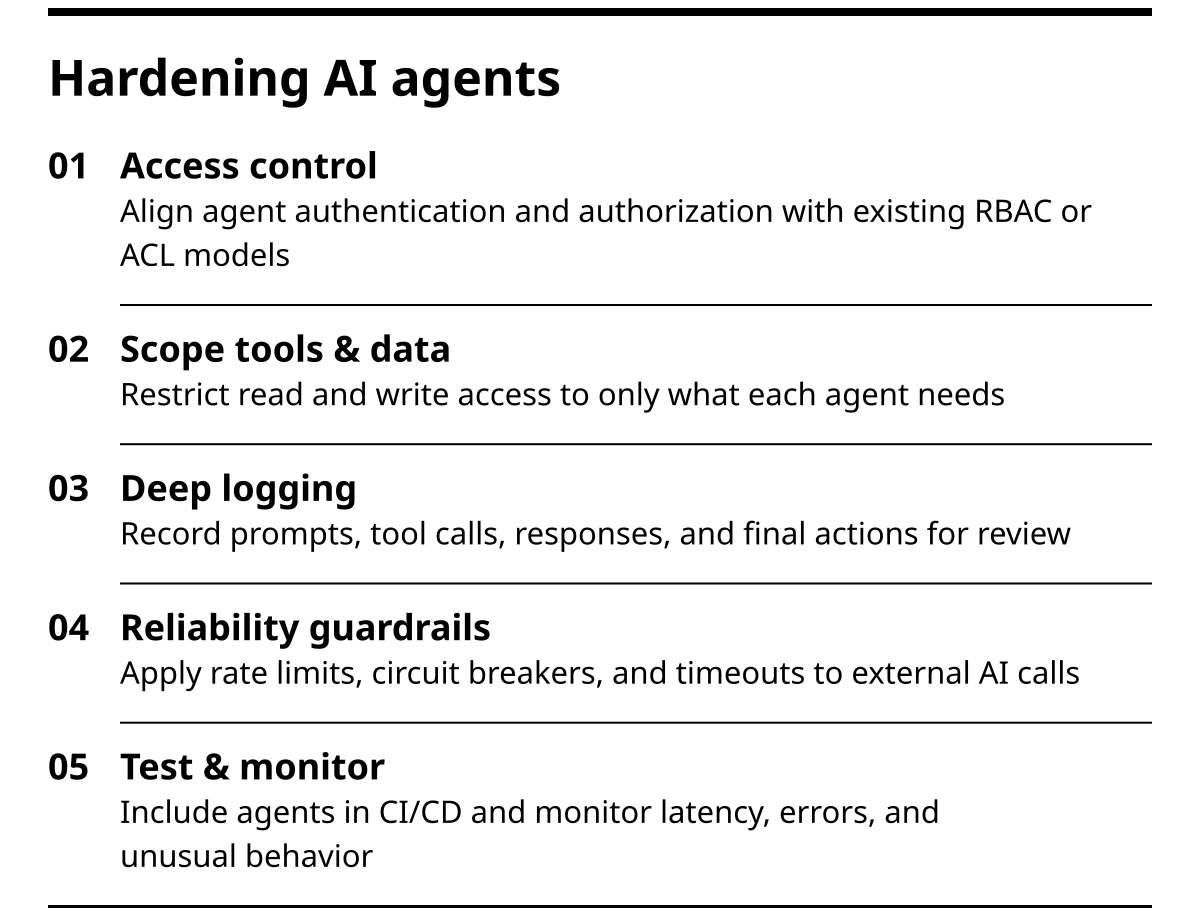
- Authentication and authorization that mirrors your existing RBAC or ACL models.
- Strict scoping of tools and data, including read and write separation.
- Logging that captures prompts, tool calls, responses, and final actions for review.
- Rate limiting, circuit breakers, and timeouts on external AI calls.
- CI/CD practices that test prompts, schemas, and tools along with code. For a broader overview, see our guide on CI/CD pipeline best practices.
- Monitoring for latency, error rates, and unusual behavior.
You should also define clear human escalation paths: when the agent is uncertain, when tools fail, or when outcomes conflict with business rules. Safety is less about blocking AI and more about giving it controlled, observable space to operate.
How LetrionAI approaches AI agents integration projects
At LetrionAI, we approach AI agents integration as an architecture decision, not a feature request. Across 150 plus projects on web, mobile, backend, and workflow automation, the failures we see usually come from weak foundations: no clear process map, brittle APIs, or automations that optimize a single team while slowing others down. Our dual track work, client services and free education in AI engineering and software development, keeps us close to both the theory and the day to day trade offs. The result is integration strategies that speak to founders in business terms while still satisfying engineering teams on topics like cloud infrastructure, observability, and security.
FAQ: practical questions leaders ask about AI agents
How long does it take to launch a first AI agent in production?
For a focused, single workflow agent built on top of existing systems, many teams can reach a limited production rollout in four to eight weeks. The main variable is how clean and accessible your current data and APIs are. Legacy systems with no clear interfaces add more time than the AI components themselves.
Do I need a data science team to work with AI agents?
No, but you do need engineering discipline. Most modern agent frameworks and APIs abstract the model training layer. The heavier lift is designing tools, integrating with your services, and putting proper monitoring and access control in place. A small, senior full stack or backend team with cloud experience is usually enough to start.
How do I measure the ROI of AI agents integration?
Tie each agent to a single primary metric before you build it. Typical metrics include resolution time, tickets per agent per day, lead response time, or hours spent on a given task. Compare baselines to performance after rollout, and remember to count both time saved and error reductions.
Can I integrate AI agents into mobile apps as well as web apps?
Yes. In practice, you treat the agent as a service behind APIs. Your iOS, Android, or cross platform apps call that service just like they call any other backend. The differences are mainly in session handling, offline behavior, and how you design the UI so users always understand what the agent is doing.
Conclusion: turning AI agents from experiments into core infrastructure
AI agents integration is not about sprinkling intelligence on top of your stack. It is about introducing a new kind of worker into your systems, one that reads, reasons, and acts through your existing tools. The winners will be teams that treat agents as part of their architecture and governance from the beginning, not as isolated pilots.
Start small, pick a painful workflow, give the agent tight boundaries, and integrate it like any other service. As you prove value, expand its responsibilities and bring more processes into scope. If you want a second opinion on your first use case or architecture, schedule a short consultation and stress test your plan before you write code.