
How Much Does Mobile App Development Cost in 2026?
 Vladimiros Mykogian31 Οκτωβρίου 2026
Understanding mobile app development cost in 2026 starts with one idea: you are not buying an app, you are investing in a product that must deliver business outcomes over time. The price depends mostly on scope, complexity, and the team that builds and maintains it, not on a single feature list. This guide walks through the real cost drivers, price ranges, and the decisions that move your budget up or down, so you can plan with clear expectations and fewer surprises.
What really drives mobile app development cost in 2026?
Mobile app development cost is driven by a small set of factors: product scope, technical complexity, design depth, team composition, and long-term maintenance. The mistake most teams make is to treat it like a one-off purchase, then get hit later by rework, security fixes, or expensive rebuilds when the first version cannot scale. A realistic budget accounts for the full lifecycle from discovery to post-launch iteration.
At a high level, these cost drivers include:
- Product scope and features (MVP vs fully loaded first release)
- Platform choices (iOS, Android, or cross-platform)
- Backend and integrations (APIs, third-party services, internal systems)
- Design and UX research (simple UI vs user-validated product)
- Security and compliance needs
- Scalability and performance targets
- Team model (freelancers, in-house team, or studio)
- Ongoing operations (hosting, monitoring, support, feature roadmap)
The right move for most growing businesses is to treat the first 6 to 12 months as a product program, not a one-time project. That mindset gives you a clearer view of total cost of ownership, and helps you avoid underfunding the work that actually protects your investment: architecture, testing, and iteration.
How much do different types of mobile apps typically cost?
The fastest way to estimate cost is to start from app type. A focused internal tool with a narrow user group will sit in a very different range compared with a consumer marketplace or a data-heavy SaaS. You should be honest about which bucket your idea really fits, because trying to buy a “marketplace” at an “MVP utility” price is how projects stall.
Below is a qualitative comparison table you can use in early planning. The labels are intentionally broad, since every serious estimate still needs detailed scoping.
| App type | Typical scope description | Relative cost level | Why it costs more or less |
|---|---|---|---|
| Simple utility or content app | Few screens, basic forms, simple data, minimal backend | Low | Limited features, little custom logic, lighter UX work |
| Internal business tool | Role-based access, basic dashboards, connects to existing systems | Low to medium | Some integrations, modest security and access control |
| Transactional app (e-commerce, bookings) | User accounts, catalog, payments, orders, notifications | Medium to high | Payments, order flows, higher UX demands, more states to handle |
| On-demand or marketplace | Two-sided matching, complex workflows, ratings, payouts | High | Multiple user types, complex business rules, data consistency challenges |
| Data-heavy SaaS or analytics app | Dashboards, permissions, data sync, possibly AI features | High | Complex backend, reporting, often multi-tenant and highly scalable |
As a rule of thumb, the more user roles, workflows, and system integrations you add, the more your budget should shift away from “just building screens” and into architecture, testing, and operations. If your app handles money, health data, or sensitive business information, plan for a “medium to high” bracket even if the interface seems simple.
Native iOS and Android vs cross-platform: which is more cost-effective?
One of the earliest budget decisions is platform strategy: build native apps for iOS and Android, or use a cross-platform framework such as React Native. The wrong choice here can double your build cost or slow down your roadmap, so it should be made on business grounds, not just developer preference.
Native-only development typically offers the best access to platform-specific features and can deliver top-tier performance for highly polished consumer apps. The trade-off is cost: you effectively fund two separate codebases, two specialized teams, and two testing pipelines. That tends to make sense only when your app depends heavily on low-level device features or when you already have the budget and team to support it.
Cross-platform development, by contrast, lets you share most of the codebase between iOS and Android. For many products, especially SaaS, e-commerce, or internal tools, this is usually the more cost-effective path. Shared code means less duplicated work, more consistent feature parity, and faster iteration across platforms.
In practice, the decision rule is simple: if your competitive edge depends on pushing device hardware to its limits, lean native. If your edge is in product workflow, data, and experience, a modern cross-platform stack can meet user expectations at a lower total cost.
How do scope, features, and complexity change your budget?
Scope is where budgets quietly double. Two founders can both say “we need a simple booking app,” yet one means a few screens and the other means a system with roles, pricing rules, cancellations, loyalty, invoices, and analytics. The only way to keep mobile app development cost under control is to be ruthless about what belongs in version one.
A practical approach is to separate your feature list into three layers:
- Non-negotiable core: the smallest feature set without which the app has no value.
- High-impact extras: valuable, but can ship in the next one or two releases.
- Nice-to-haves: ideas that can wait until there is traction and user data.
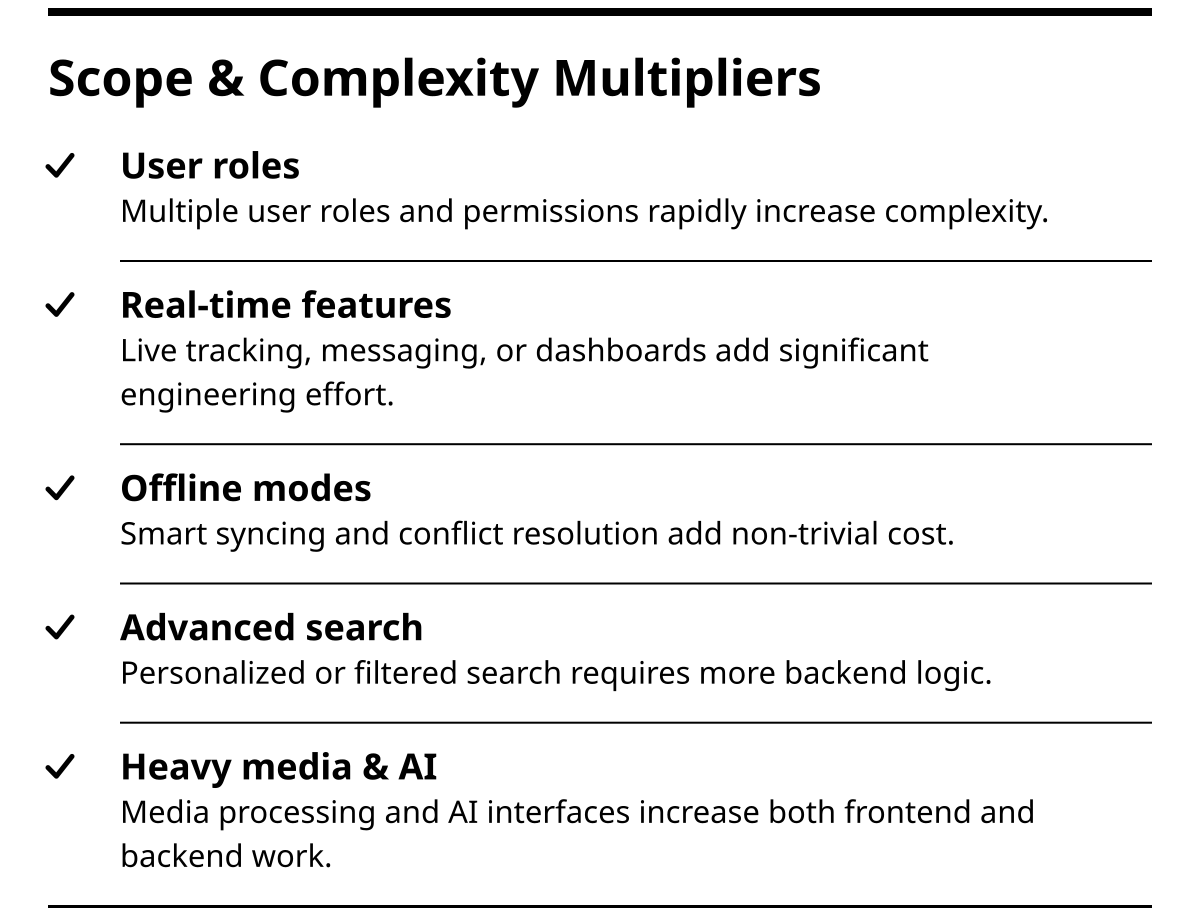
Specific complexity multipliers that add cost fast:
- Multiple user roles and permissions.
- Real-time updates (live tracking, messaging, live dashboards).
- Offline modes with smart syncing and conflict resolution.
- Advanced search, filtering, and personalization.
- Heavy media handling (uploads, streaming, processing).
- AI features, such as recommendations or natural language interfaces.
Teams that skip this prioritization usually pay in one of two ways: a stretched, fragile v1 that tries to do everything and pleases nobody, or a rushed codebase that meets a fixed deadline but becomes expensive to maintain. A clear scope hierarchy lets you protect both budget and quality.
What do design, UX, and product strategy add to the cost?
Design and UX can feel intangible on a quote, yet they are often the difference between an app that quietly dies and one that converts, retains, and grows. The real cost of skipping UX is not the money you save, it is the wasted spend on developing features that nobody uses.
A strong UX and product strategy track usually includes:
- Discovery workshops to align on business goals and user needs.
- User interviews or stakeholder sessions.
- Journey mapping and information architecture.
- Wireframes and interactive prototypes for validation.
- Visual design, design systems, and developer-ready specs.
The more your revenue or operational efficiency depends on user behavior inside the app, the more you should bias budget toward this work. If you are building, for example, a SaaS dashboard or transactional flow, learning how users move, drop, and convert is not optional.
If you want a deeper primer on how UX and UI drive product outcomes, the guide on UX and UI design offers a useful framework for thinking about this investment beyond “pretty screens.”
How do backend, infrastructure, and integrations influence cost?
For any non-trivial app, the backend and infrastructure are where complexity and cost accumulate. The frontend is what users see; the backend is where permissions, data, automation, and resilience live. Under-investing here is how you end up with downtime, security incidents, or a full rebuild when traffic grows.
Key factors that increase backend cost:
- Number and type of integrations (payment providers, CRMs, ERPs, marketing tools).
- Real-time features and event-driven workflows.
- Reporting and analytics requirements.
- Multi-tenant architecture for SaaS.
- Data retention, backups, and observability.
On the infrastructure side, using modern cloud platforms such as AWS, GCP, or Azure with containerization and CI/CD adds upfront engineering time but pays off in stability and deployment speed. If you plan to evolve your app quickly or expect traffic to grow, this is usually money well spent.
When a studio like LetrionAI designs a mobile backend, we typically treat it as a long-term architecture decision, not a quick API to “just make the app work.” That perspective comes from delivering more than 150 projects across web, mobile, backend, and automation, and from seeing how early infrastructure shortcuts can become hard limits on growth.
What ongoing costs should you expect after launch?
Launch is the midpoint, not the end. The moment your app has real users, your cost profile shifts from pure development to operations, improvement, and support. Ignoring this stage is how budgets look fine on paper then explode 3 to 6 months in.
Plan for at least four categories of ongoing spend:
- Hosting and infrastructure: cloud services, databases, storage, monitoring.
- Maintenance and updates: bug fixes, OS and library upgrades, security patches.
- New feature development: roadmap items shaped by user feedback and analytics.
- Support and operations: handling incidents, user issues, and internal questions.
As a rule, the more mission-critical the app is for your business, the more you should treat this as an operating budget, not “leftover” project money. Some teams keep a small, continuous slice of budget for monthly maintenance and a separate pool for planned features, which tends to work better than sporadic, emergency-driven spending.
If your app includes significant automation or AI, revisiting workflows regularly is especially important. Business processes evolve, and untreated automation can drift out of sync, creating bottlenecks in new places even as it fixes old ones. The same is true for analytics: without someone watching the numbers, it is hard to know whether your mobile investment is truly paying back.
How to estimate your own mobile app budget in 7 steps
If you are starting from zero, you can build a realistic budget range by moving through a simple, structured process. The goal is not to predict an exact euro amount, but to define a tight, defensible range you can discuss with potential partners.
- Define the single business goal. Decide what “success” means in the first 6 to 12 months: revenue, sign-ups, efficiency gains, or something else.
- Identify your primary users. Name the 1 to 2 main user groups and what they must be able to do on day one.
- List core workflows, not just features. Describe the steps users will take (for example, discover, sign up, book, pay, receive confirmation) before translating them into screens.
- Prioritize into v1, v1.1, v1.2. Put every idea into a specific release bucket and commit to shipping the smallest version that can prove value.
- Choose platforms and devices. Decide if you truly need both iOS and Android at launch, or if one platform plus web is enough to validate.
- Clarify integrations and data sources. List every external system or tool the app must talk to, and mark which are mandatory for launch.
- Decide on team model and cadence. Be honest about whether you want a sprint-based collaboration with ongoing iteration or a fixed-scope build and handoff.
Once you have this outline, any serious engineering partner should be able to give you a structured cost breakdown tied to assumptions. If someone gives you a single number without the assumptions, treat that as a red flag.
How AI, automation, and analytics affect cost (and return)
Modern mobile apps rarely live alone. They sit inside a wider system of workflows, emails, dashboards, and decision-making. Integrating AI, automation, and analytics does increase build cost, but done well, it can also be what makes the entire project positive ROI.
Three areas are especially worth paying for:
1. Workflow automation behind the app
Connecting your app to automated workflows, such as CRM updates, email sequences, or data pipelines, saves your team from manual, error-prone work. This requires some extra backend and integration work, but if your app is central to operations, the time savings compound.
For a deeper look at how businesses structure this, the guide on AI automation for businesses outlines common patterns and tools that often sit behind mobile frontends.
2. Data and decision-making
Instrumenting your app with analytics from day one lets you see what users actually do, not just what you expected them to do. That data should inform which features to build next and which to cut, which is one of the most effective ways to protect your budget from unnecessary work.
If analytics maturity is a broader concern across your organization, you may also find value in resources on business intelligence and data visualization tools, since the same thinking applies when deciding where to invest in reporting for mobile.
3. AI-powered features
Adding AI features, such as chat interfaces, recommendations, or intelligent search, usually increases complexity in both frontend and backend. However, if those features directly improve user experience or help your team make faster decisions, they can meaningfully improve return on the whole build.
The key is to tie every AI idea back to a clear, measurable outcome. “Add AI” as a general request is expensive and directionless. “Reduce support time per ticket by 30 percent via an in-app assistant” is focused and testable.
How to choose a development partner that fits your budget and ambitions
The final driver of mobile app development cost is the team you pick. Rates matter, but alignment on process, communication, and long-term thinking matters more. A cheap build that you need to replace in two years is the most expensive outcome you can buy.
When evaluating partners, look for:
- A clear, structured discovery and scoping process.
- Evidence of past work in your problem space or similar complexity.
- Opinionated guidance on what should be in v1 versus later.
- Transparency about architecture decisions and trade-offs.
- A plan for testing, observability, and post-launch iteration.
If you want a more detailed checklist for this decision, the guide on evaluating SaaS development companies includes questions that apply almost directly to mobile projects as well.
Studios like LetrionAI differentiate by treating every new app as part of a broader system of web, backend, and automation, not an isolated project. That perspective, plus the discipline of explaining technical decisions through our free education programs, is what helps us bridge the gap between ambitious business goals and concrete engineering work.
Conclusion: what should you actually budget for your mobile app?
If you are serious about building a mobile product in 2026, expect to invest across four dimensions: a focused initial build, sound architecture, strong UX, and ongoing iteration. The exact number depends on app type and complexity, but the pattern is consistent: teams that underfund architecture, design, and post-launch work almost always pay more later in rework and lost opportunity.
Treat your budget as a product roadmap, not a one-time purchase, and prioritize the features and workflows that prove business value fastest. With a structured scoping process and a partner who can speak both business and engineering, you can turn “how much does this cost” from a guess into a well-managed, staged investment. If you are ready to map your own idea to a concrete range and timeline, the next step is to walk through your goals and constraints with a team that builds and scales apps every day.