
AI Automation: What It Is and How Businesses Use It
 Vladimiros Mykogian3 Αυγούστου 2026
AI automation is the use of artificial intelligence to handle tasks, decisions, and workflows that previously required constant human input. In 2026, it is no longer an experimental edge case reserved for large corporations. Startups and mid-sized businesses across Europe are deploying it right now to cut operational costs, accelerate delivery, and free their teams for higher-value work. If you are still running your business on manual processes, you are already falling behind.
What AI Automation Actually Means (No Hype)
Traditional automation followed fixed rules: "if X happens, do Y." AI automation is different because it can handle ambiguity. It learns from data, interprets unstructured inputs like emails or images, and adjusts its behavior over time.
Think of the difference this way: a rule-based script can route a support ticket to the right department if the subject line contains a specific keyword. An AI-powered system reads the full message, understands the customer's intent, prioritizes by urgency, drafts a suggested reply, and flags edge cases for a human to review. Same task, dramatically different quality and scalability.
The core building blocks you will encounter in most business deployments today include:
- Large Language Models (LLMs): The reasoning engine behind tools that read, write, summarize, and classify text.
- Workflow orchestration layers: Systems that chain multiple AI actions together across your existing software stack.
- Vector databases and retrieval-augmented generation (RAG): What lets an AI "know" your specific business context rather than giving generic answers.
- APIs and webhooks: The connectors that tie AI capabilities into your CRM, ERP, e-commerce platform, or custom application.
If you want a deeper foundation before diving into implementation, our [practical guide to getting started with AI engineering](/blog/getting-started-with-ai-engineering) walks through the core concepts from first principles.
The Business Cases Delivering Real ROI Right Now
Not every workflow is worth automating. The strongest candidates share three traits: they are repetitive, they involve structured or semi-structured data, and a delay or error in them directly costs money or time.
Customer Support and Triage
An AI layer placed in front of your support queue can resolve a significant share of inbound tickets without human intervention. More importantly, it can route the remaining tickets with enough context that your agents spend zero time re-reading the conversation history. Response times shrink from hours to seconds.
Document and Data Processing
Finance teams, legal departments, and operations managers regularly process invoices, contracts, and reports by hand. AI document processing extracts key fields, flags anomalies, and populates downstream systems automatically. A small ops team that once spent two days per week on manual data entry can redirect that time to actual analysis.
Sales and Lead Intelligence
AI can enrich incoming leads, score them against your ideal customer profile, personalize outreach sequences, and surface the right talking points before a call. Sales reps close more deals not because the AI sells for them, but because they walk into every conversation better prepared.
Internal Knowledge Management
Growing companies accumulate enormous amounts of institutional knowledge in Slack threads, Notion pages, and email chains. A RAG-based internal assistant lets any team member ask a plain-English question and get a precise, sourced answer in seconds. Onboarding time drops. Escalations drop. Decisions get faster.
Code Review and Development Acceleration
Engineering teams are using AI to automate code review feedback, generate boilerplate, write test suites, and surface security vulnerabilities before they reach production. This is not about replacing developers. It is about removing the low-signal, high-friction parts of the development cycle so engineers stay in flow longer.
How to Choose What to Automate First
A common mistake is chasing the most impressive-looking AI use case instead of the highest-value one. Start with this filter:
- Measure the current cost. How many hours per week does this process consume? What is the error rate and what does one error cost?
- Check data availability. AI learns from data. If the process leaves no digital trace, it is harder (not impossible) to automate.
- Map the failure modes. What happens when the AI gets it wrong? If the answer is "a customer is mildly inconvenienced," that is acceptable. If the answer is "a legal contract is sent with the wrong terms," a human-in-the-loop step is non-negotiable.
- Start narrow. Pick one sub-task within a larger workflow, automate it well, measure the result, then expand. Trying to automate an entire department in one project is how automation initiatives stall.
Building AI Automation: Custom vs. Off-the-Shelf
There are pre-built AI tools for almost every category listed above. The honest question is whether they fit your specific processes, your data model, and your existing software stack well enough to deliver results without costly workarounds.
Off-the-shelf solutions are faster to deploy and carry lower upfront cost. They make sense when your workflow is generic and the vendor's assumptions match your reality.
Custom-built AI automation makes sense when:
- Your workflow involves proprietary data or internal context that a generic tool cannot access.
- You need the AI to integrate deeply with a custom application or legacy system.
- The process is a genuine competitive differentiator and you do not want your workflow running inside a third-party SaaS platform.
- You need to own the model behavior, the data pipeline, and the output quality at a level no subscription tool allows.
The gap between "we connected a tool" and "we built a system" is where most of the long-term value lives.
Common Pitfalls to Avoid
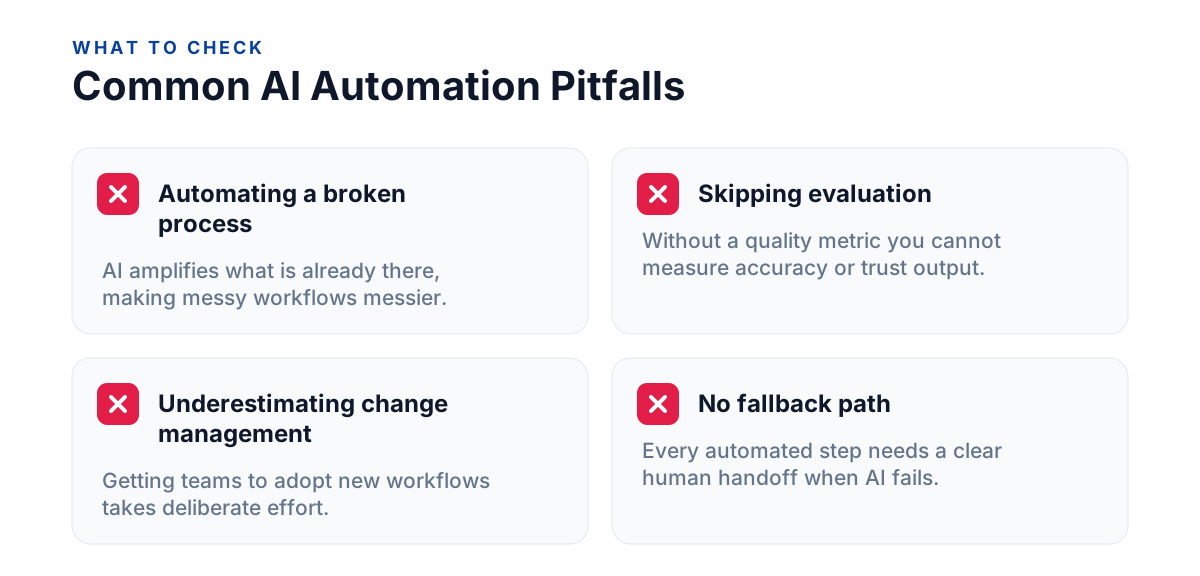
Even well-funded teams make the same mistakes when rolling out AI automation for the first time:
- Automating a broken process. AI amplifies what is already there. If your underlying workflow is messy, the automated version will be messier, just faster.
- Skipping the evaluation step. Every AI output needs a defined quality metric. If you cannot measure accuracy, you cannot improve it or trust it.
- Underestimating change management. The technology is rarely the hardest part. Getting a team to adopt a new workflow, trust AI-generated outputs, and update their habits takes deliberate effort.
- No fallback path. Every automated step should have a graceful degradation plan. If the AI fails or produces a low-confidence result, a clear human handoff point prevents the whole pipeline from breaking.
What a Realistic Implementation Timeline Looks Like
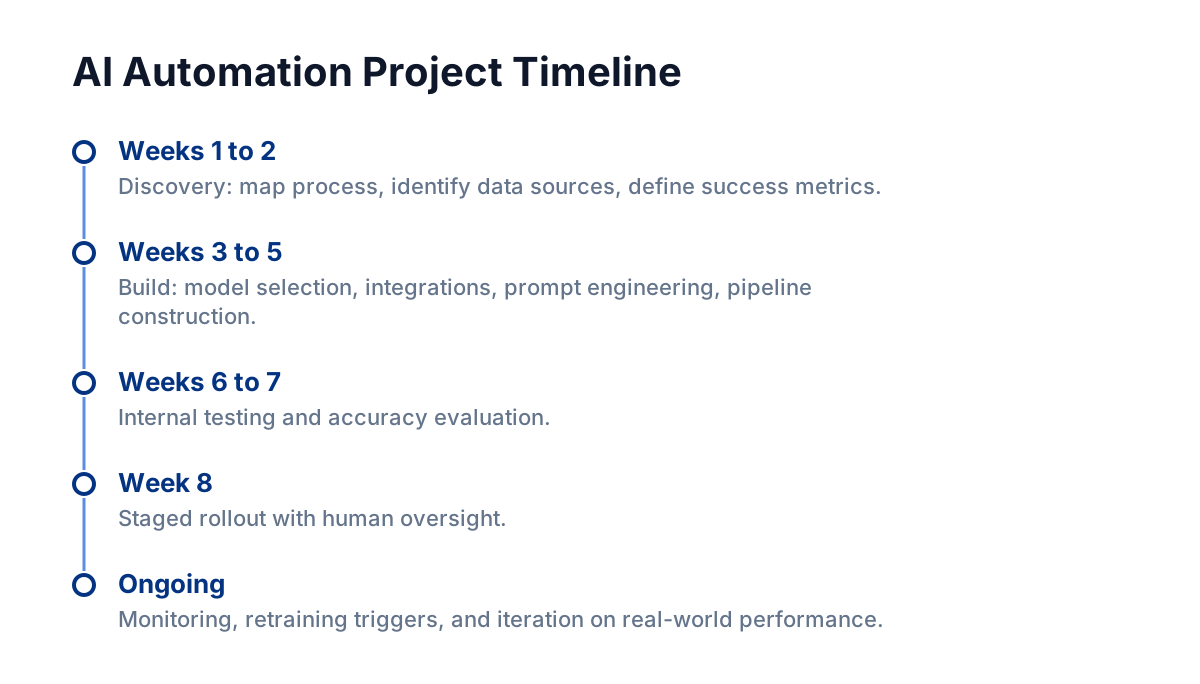
For a focused, well-scoped AI automation project (say, automating a single support or ops workflow), a realistic timeline from discovery to live deployment runs roughly six to ten weeks. That includes:
- Two weeks of discovery: mapping the current process, identifying data sources, defining success metrics.
- Two to three weeks of build: model selection or fine-tuning, integration development, prompt engineering, and pipeline construction.
- One to two weeks of internal testing and accuracy evaluation.
- One week of staged rollout with human oversight.
- Ongoing: monitoring, retraining triggers, and iteration based on real-world performance.
Rushing the discovery phase is the single biggest accelerant of project failure. The more precisely you define what "good output" looks like before you build, the faster everything else moves.
According to the McKinsey Global Institute, the organizations that invest in rigorous scoping and change management consistently outperform those that treat AI deployment as a purely technical exercise. That finding aligns with what well-structured delivery teams see in practice: clarity upfront compounds across every subsequent phase.
FAQ
What is the difference between AI automation and traditional automation?
Traditional automation follows fixed, pre-written rules and cannot handle exceptions. AI automation uses machine learning and language models to interpret context, handle variability, and improve over time with more data.
Do I need a large engineering team to implement AI automation?
Not necessarily. A focused project with clear scope can be delivered by a small, experienced team. What matters more than team size is having clean data, a well-defined process to automate, and clear success criteria before development begins.
Is AI automation suitable for small or early-stage startups?
Yes, provided you target the right workflows. Early-stage startups benefit most from automating high-volume, low-complexity tasks (like lead routing or report generation) that would otherwise consume founder or junior staff time disproportionately.
How do I know if an AI automation project is actually delivering value?
Define a baseline metric before you build: hours spent per week, error rate, cost per transaction, or response time. Measure the same metric after deployment. If the number has not moved meaningfully within 60 days of going live, the scope or the implementation needs revisiting.
---
AI automation in 2026 is a practical, measurable business tool, not a future promise. The businesses gaining ground are the ones that treat it as an engineering discipline: scoped carefully, built on real data, and measured against real outcomes. If you are ready to identify which of your workflows is worth automating first, the clearest next step is an honest audit of where your team's time is actually going.